Sketchbook.
The small screens behind the big case studies.
Screens from contract software with AI in it, designed between 2023 and 2026. The case studies tell the story. This page shows the parts: a card, a panel, a message, a confirm step. Thirteen boards, each with a short note. The last two are from an event page, not contract software.
Design files, not screenshots of the live product. Company names in the contract screens are placeholder data. Click any board to see it bigger.
01
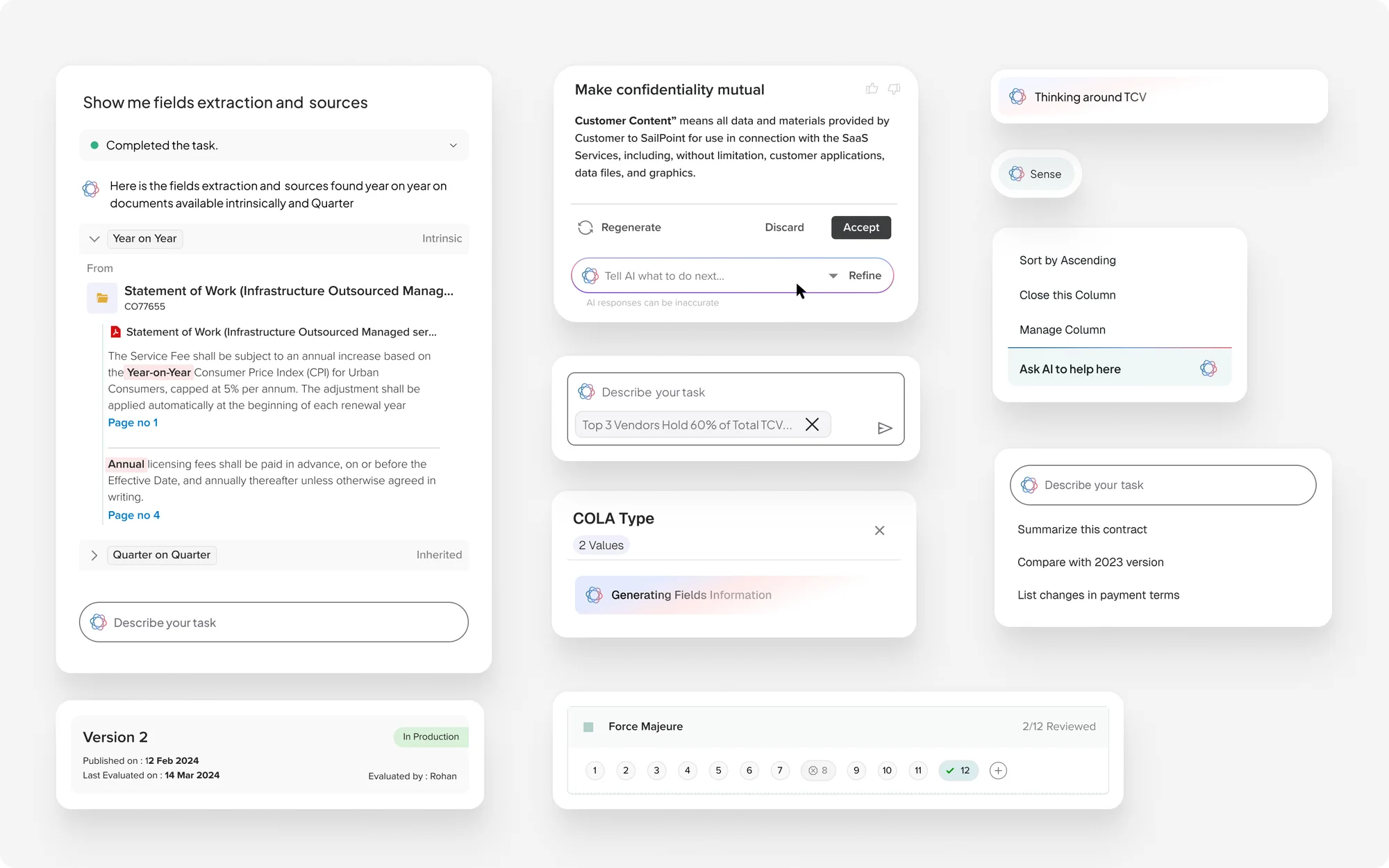
Ask, and see where the answer came from
Type a task in plain words. The answer shows the passage and page it came from. A rewritten clause comes with regenerate, discard, accept and refine.
02
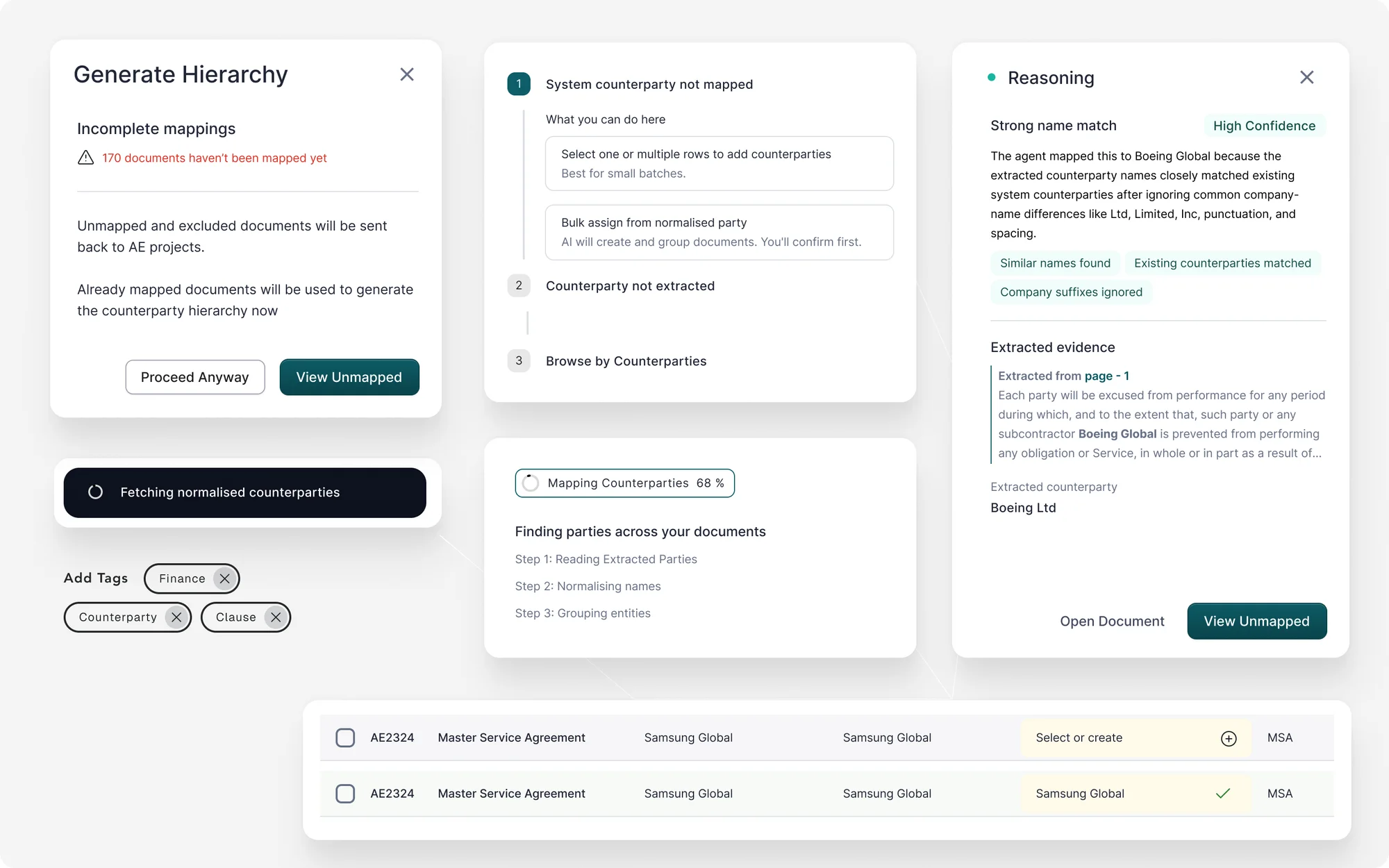
Why the AI made a match
When the AI maps a company name, a panel explains the match and shows its evidence. Progress is named step by step. An unmapped company gets two ways forward, and the hierarchy step warns before it runs with gaps.
03
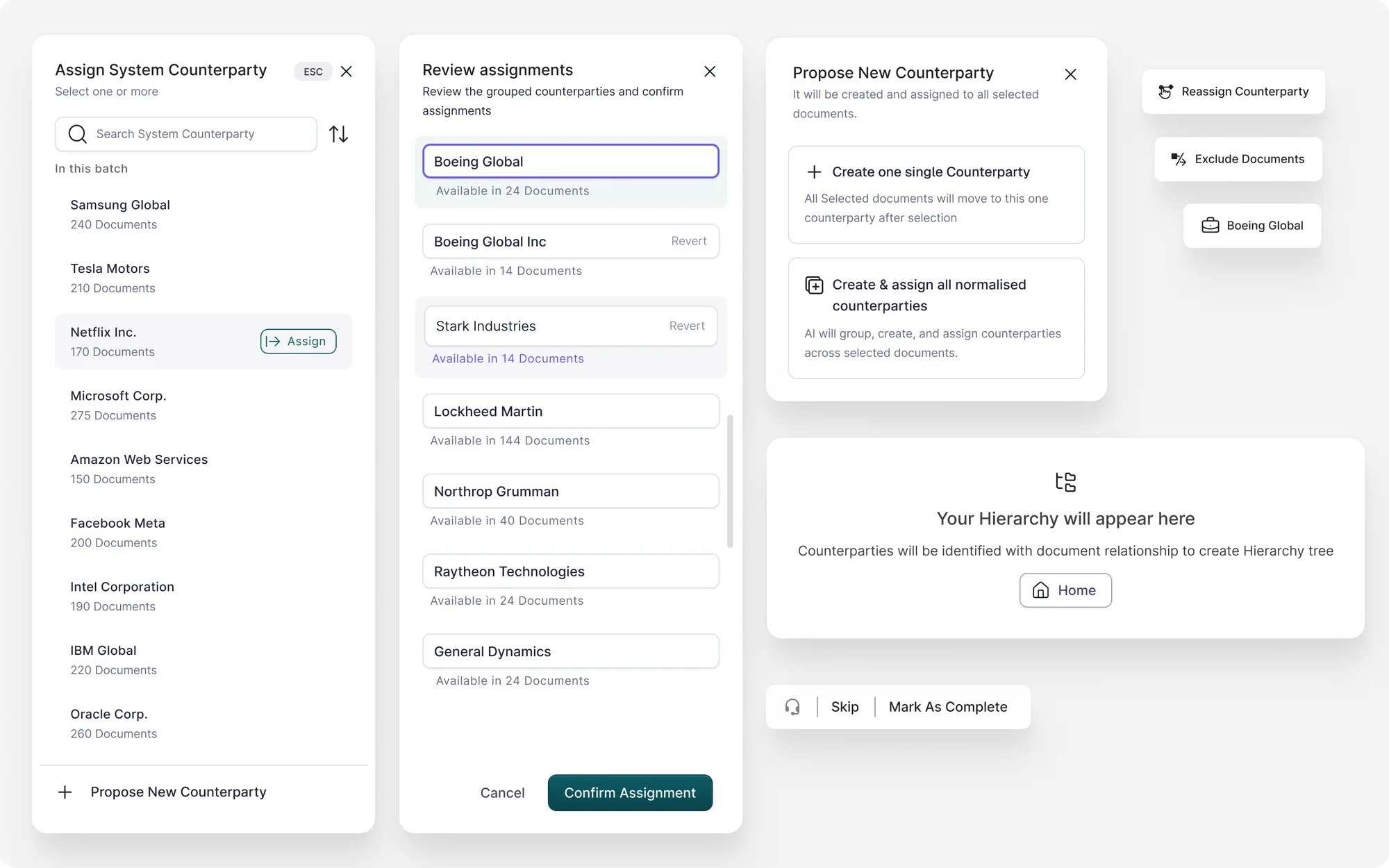
A person confirms the groups
The AI groups spellings of the same company. A reviewer checks each group, assigns it, or proposes a new one before anything is saved.
04
Small cards that carry a lot
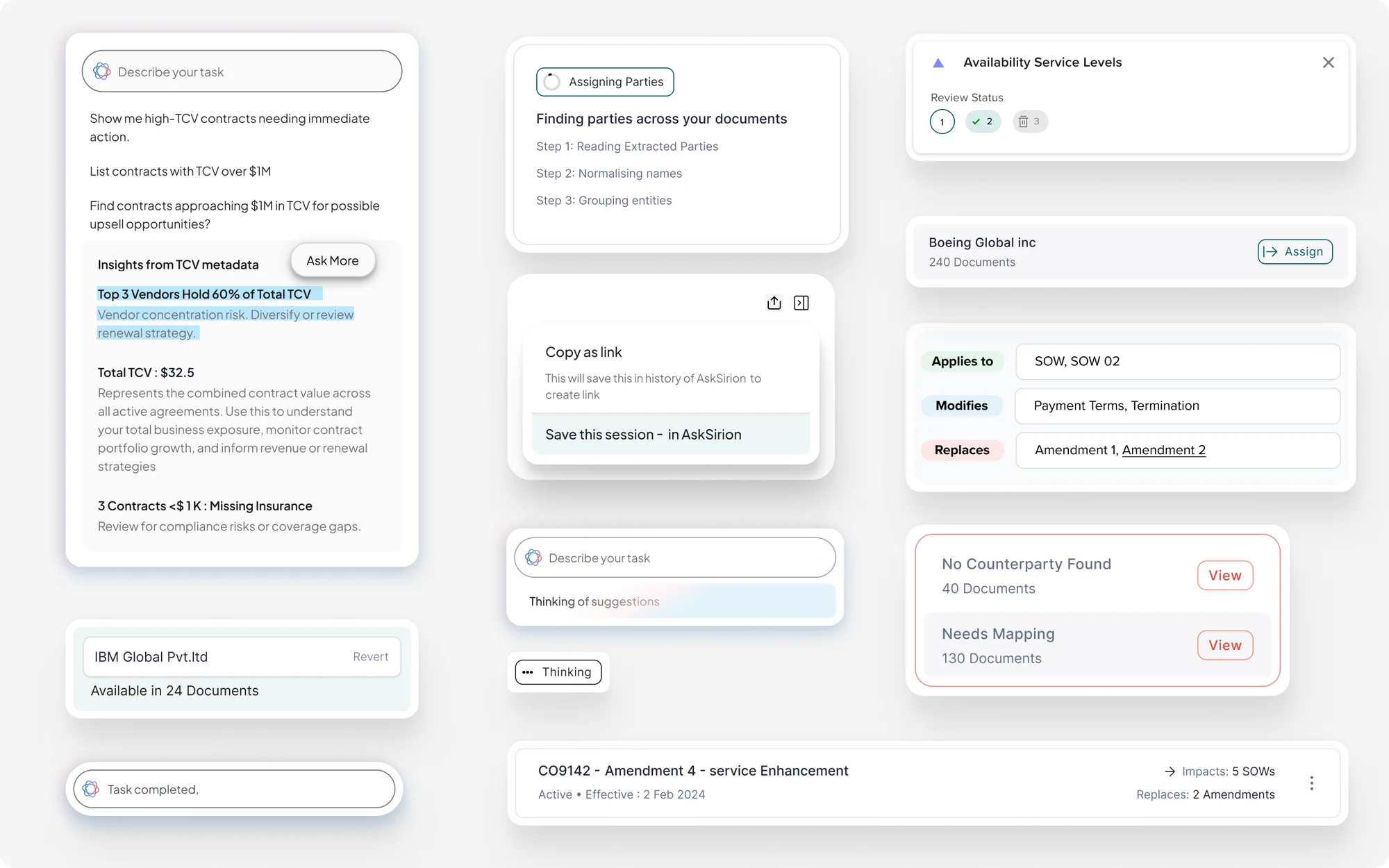
Insights from contract value, what a contract applies to, changes or replaces, and the in-between states: thinking, assigning, nothing found.
05
A record and a date that explain themselves
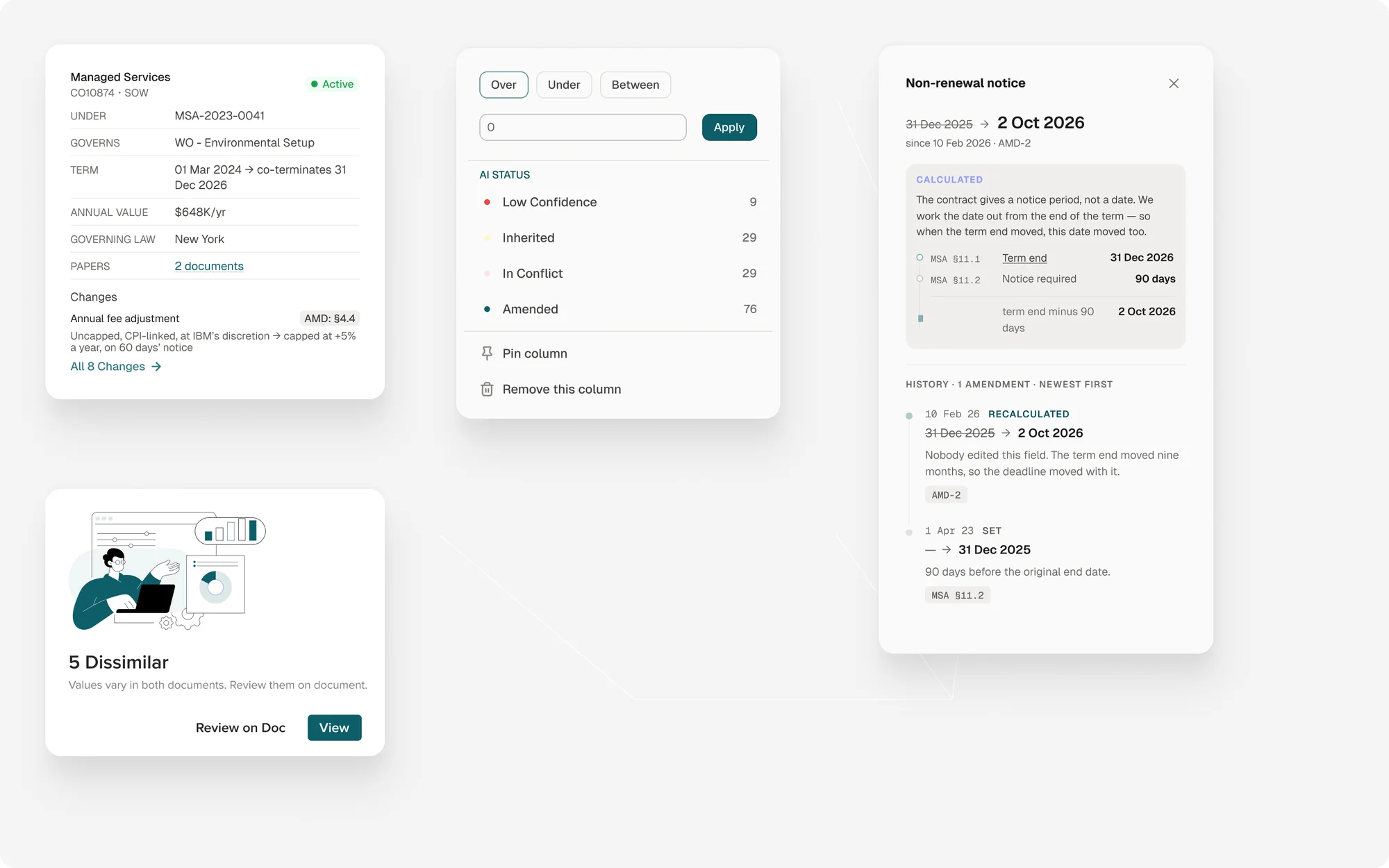
A contract card lists what it sits under, what it governs and what changed. A notice date shows how it was worked out and every time it moved.
06
Clauses, rules and who reviews
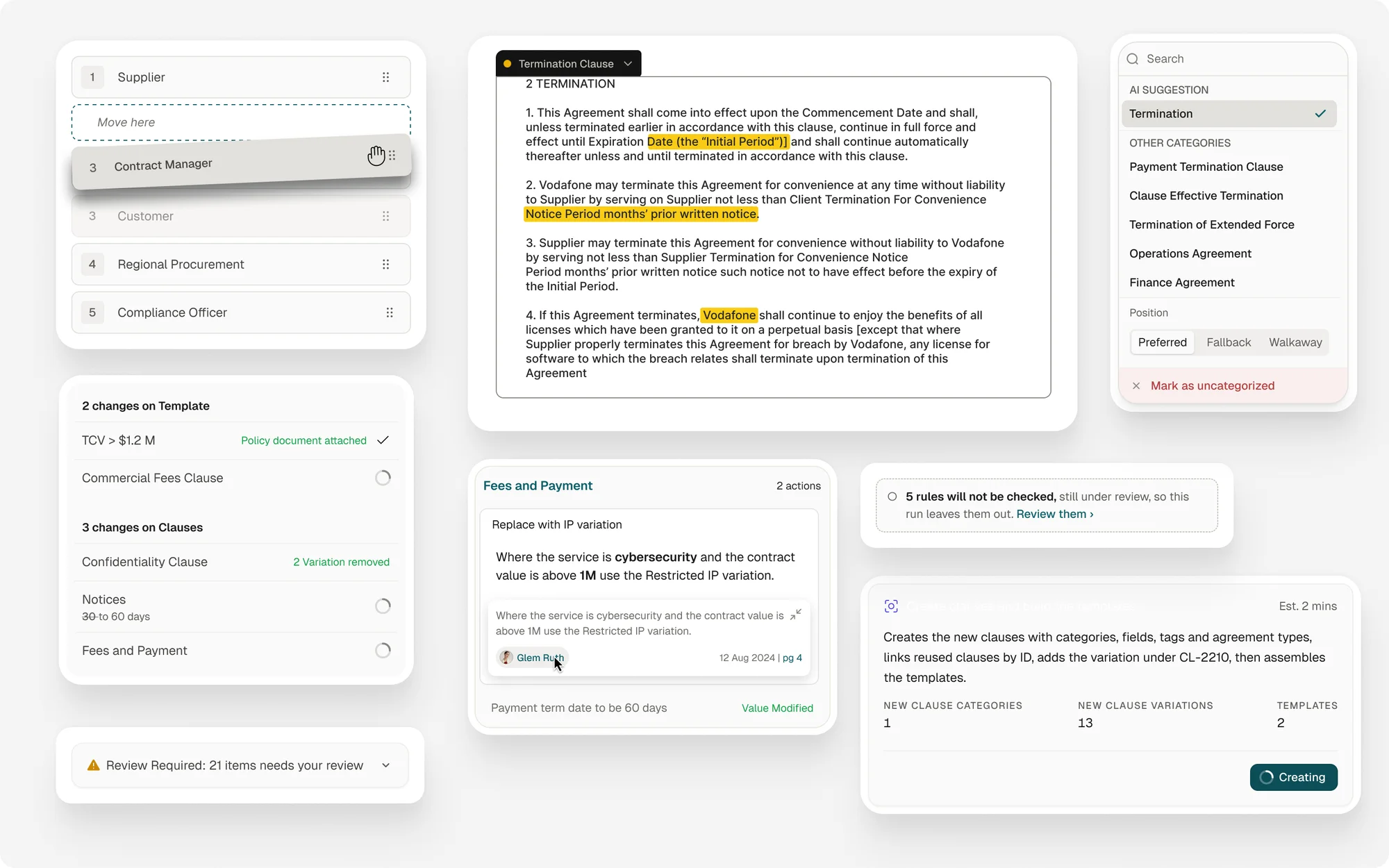
Reorder who reviews a contract by dragging. The AI suggests a clause category and the person picks the position. Template changes, skipped rules and an agent building the templates sit alongside.
07
Test a new AI version before it goes live
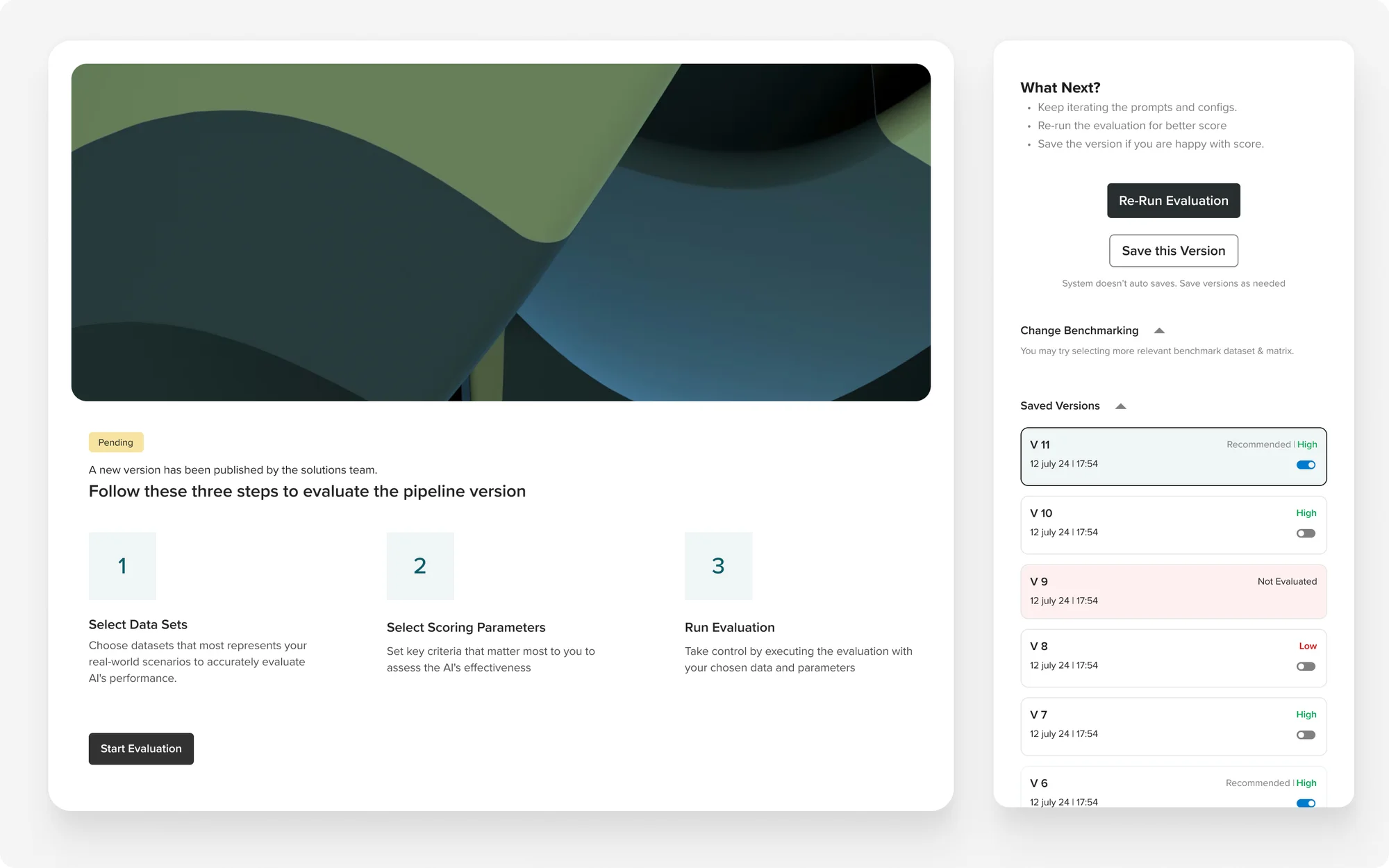
Three steps: pick test data, pick what to score, run it. Each saved version keeps its result, so you can compare before switching.
08
Setting up a project
Create a project and choose, in plain words, whether the linking agent should run. Filters, profiles and stakeholders sit around it.
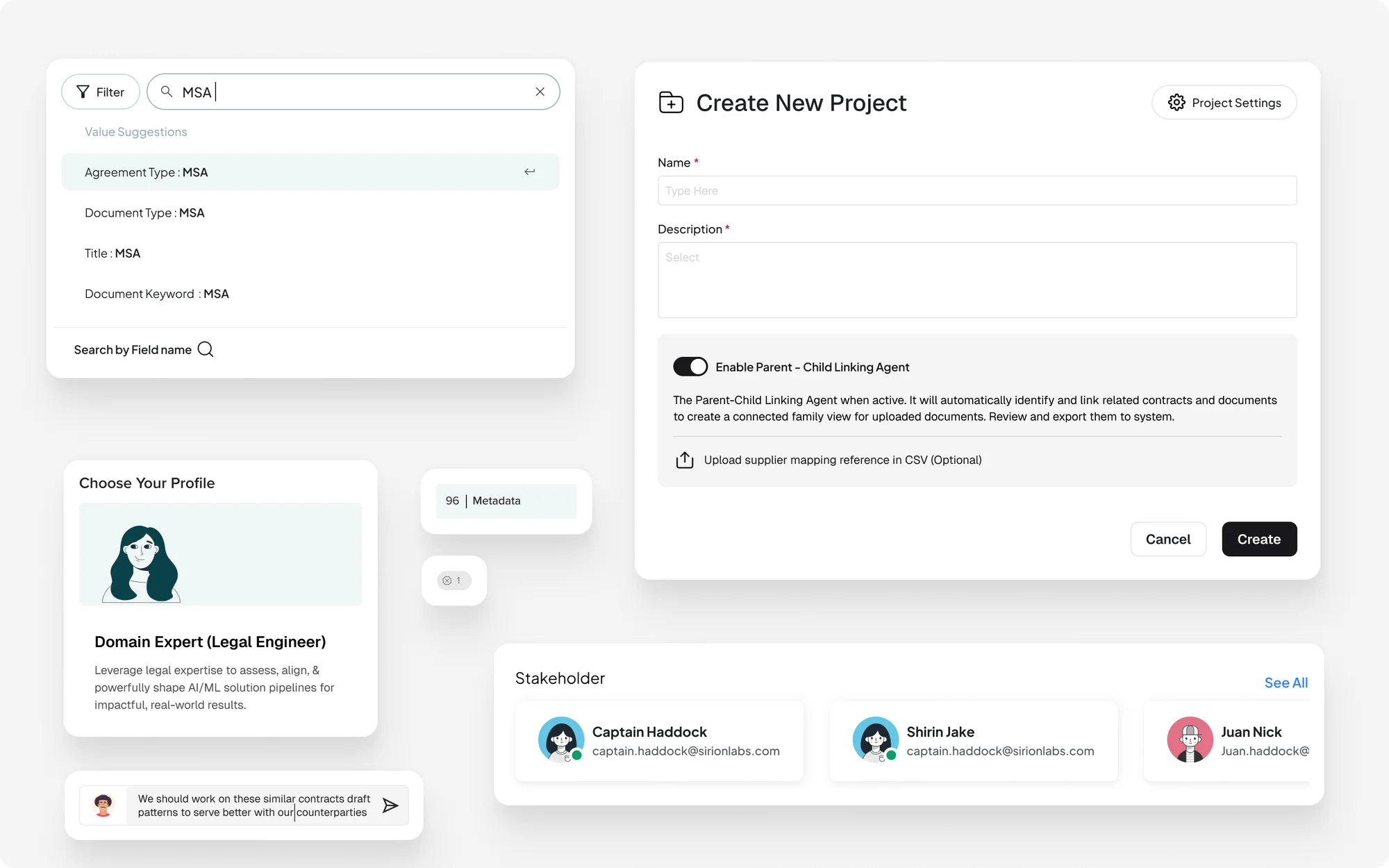
09
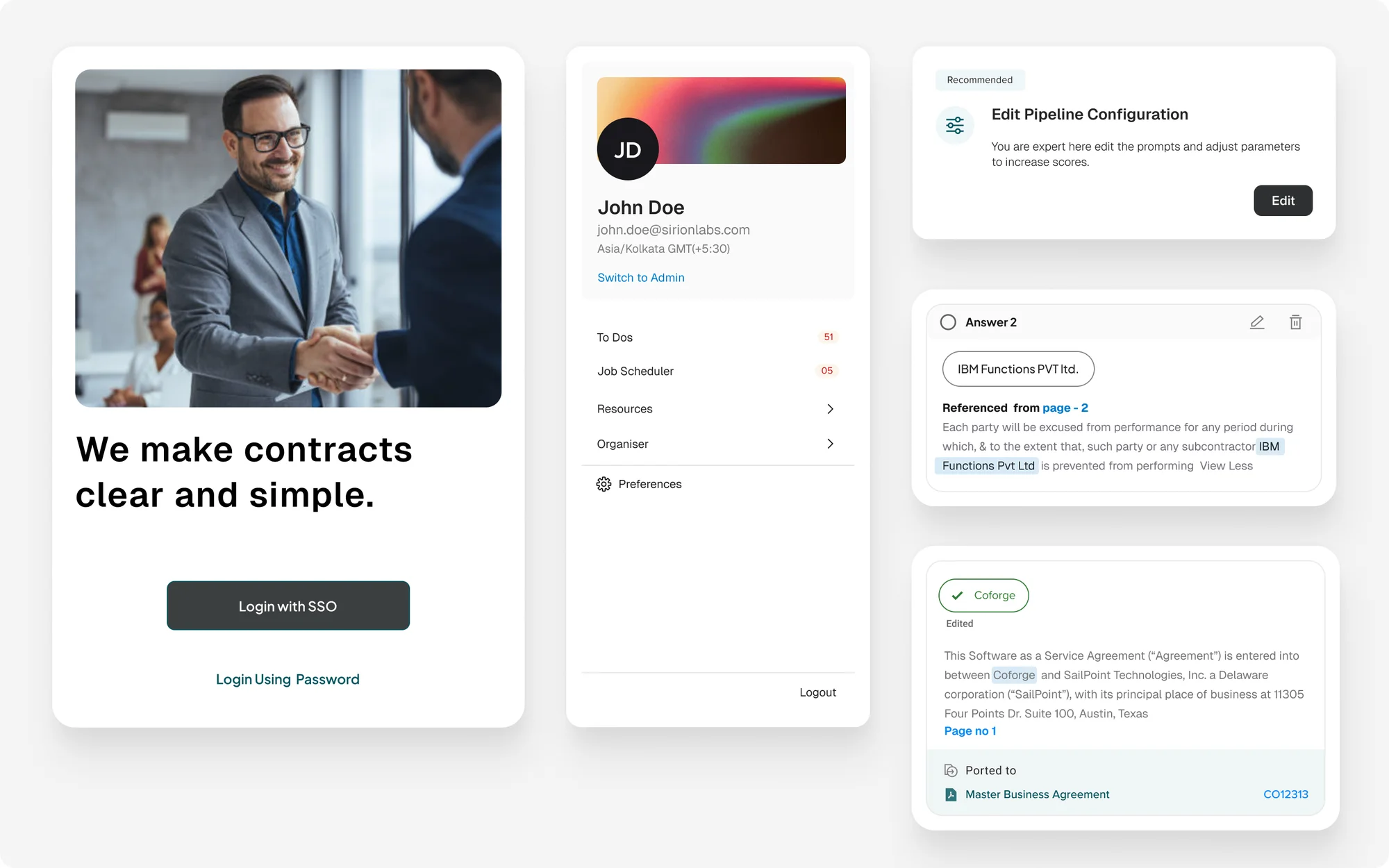
Signing in, and the menus after
A sign-in screen, a profile menu, a pipeline setting, and an answer with the page it was referenced from.
10
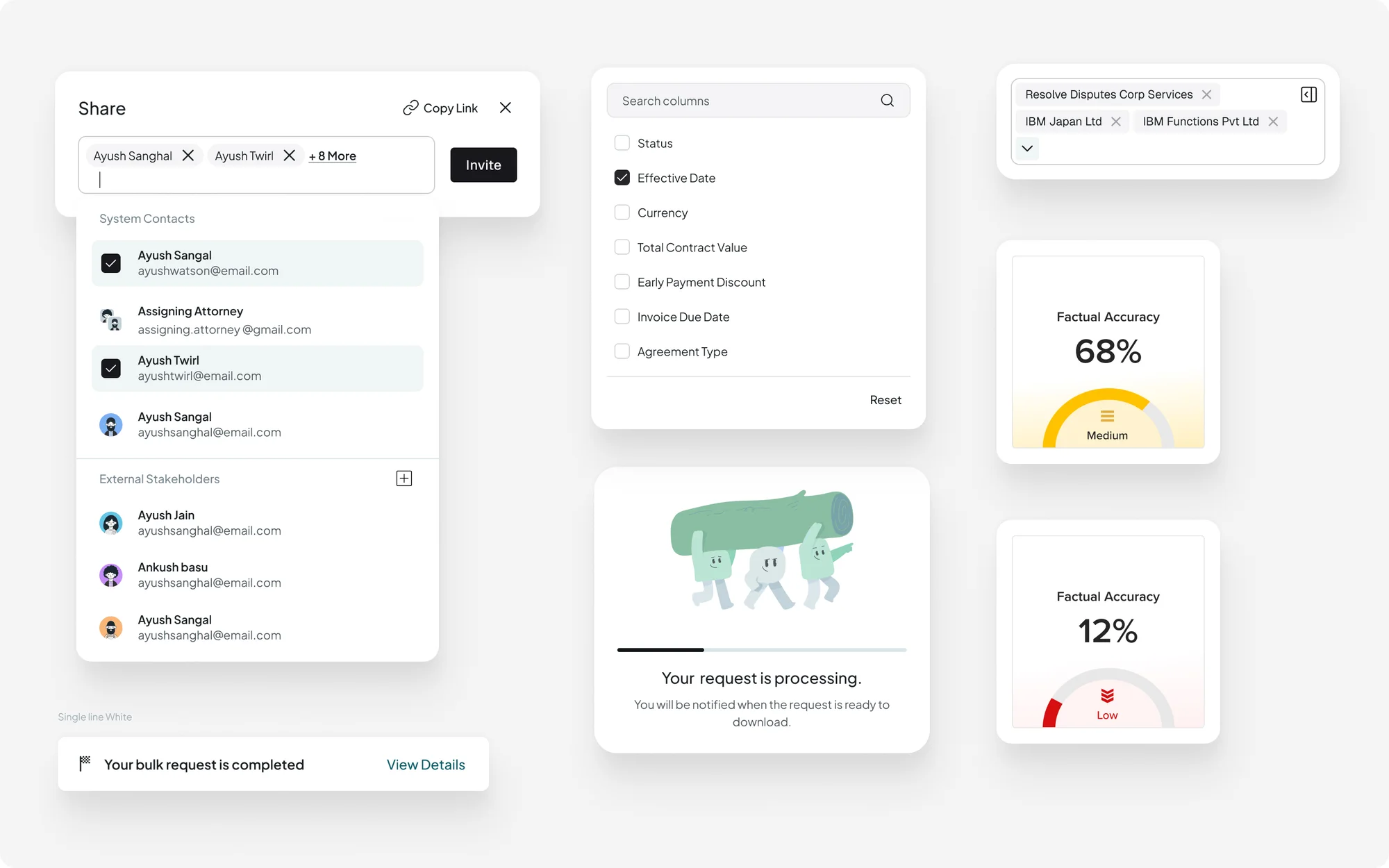
Sharing, columns and progress
Share with people inside and outside the company from one list. Pick columns. Show accuracy as a level, and tell people when a long job is done.
11
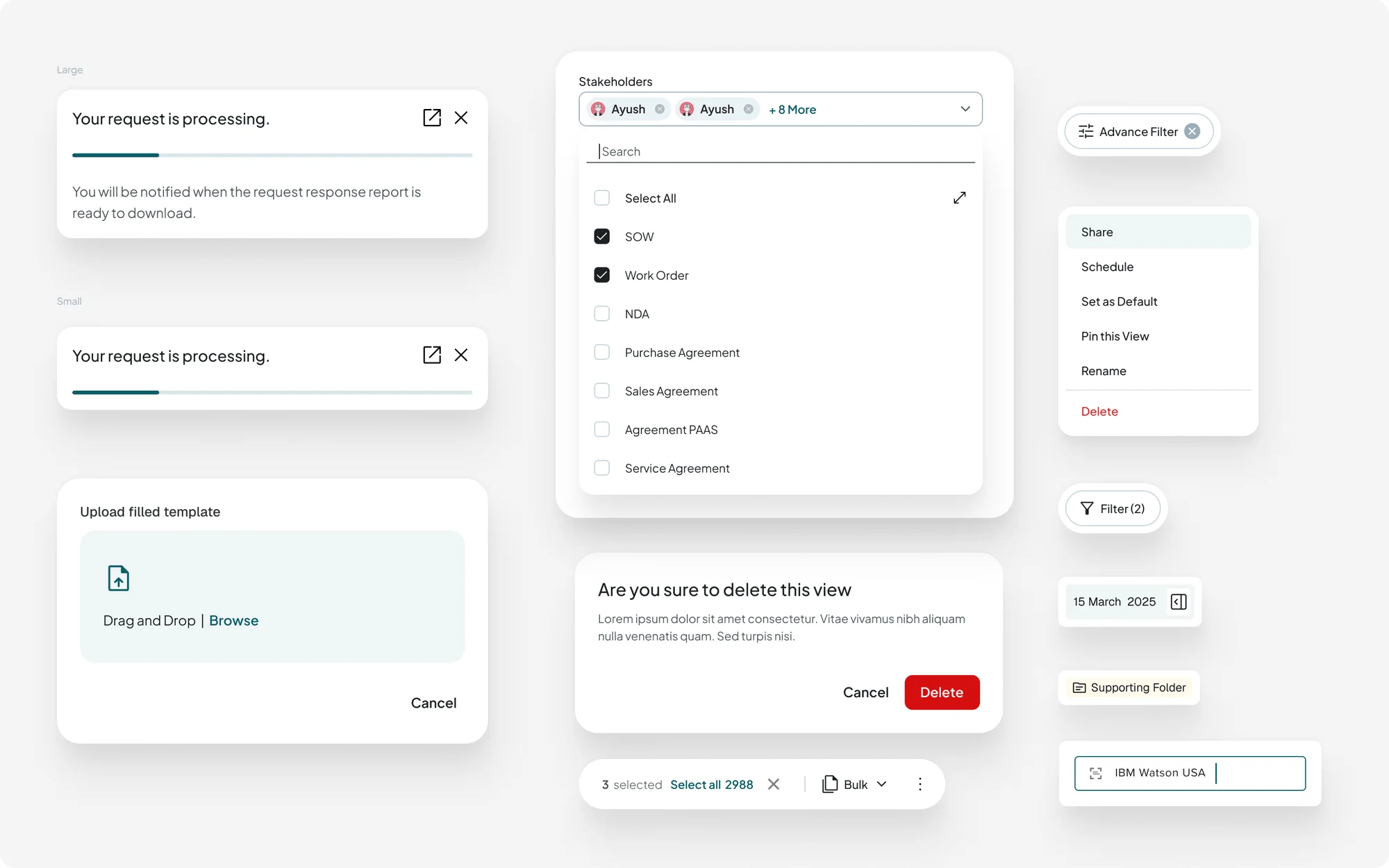
Everyday controls
Processing notices, file upload, a people picker, a view menu with delete kept apart, a confirm step, filter chips and a bulk bar.
12
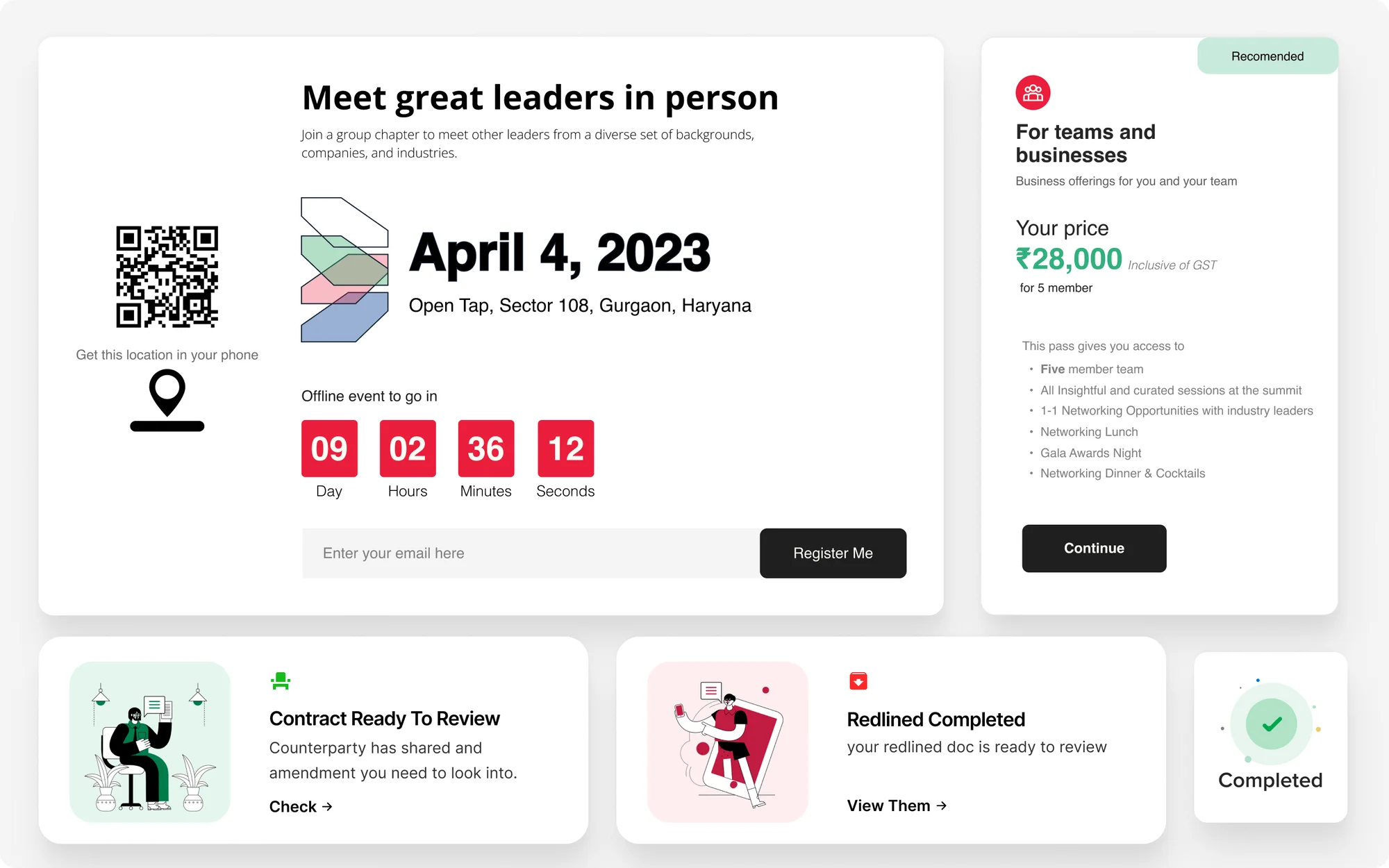
Outside contracts: an event page
An event sign-up with date, countdown and a price card, next to notification cards for a contract ready to review and a finished redline.
13
Outside contracts: speakers and tags
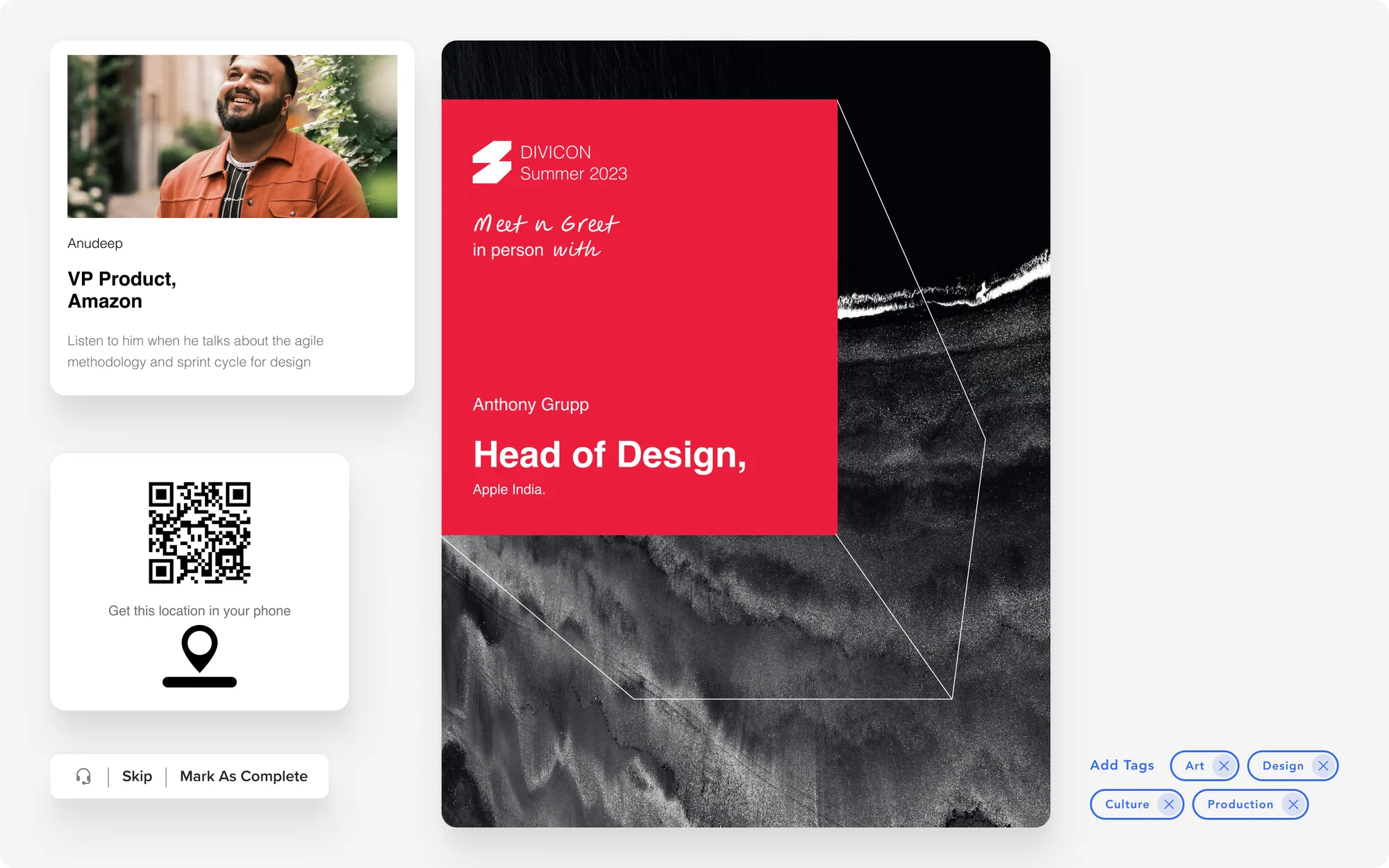
Speaker cards, an event poster, and small controls for skipping, marking done and adding tags.